What microSD Speed Class Labels Guarantee
The little symbols on a microSD card are the only figures on the package that promise a floor rather than a ceiling. The SD Association defines four separate class families, and a card's headline megabyte figure belongs to none of them. This guide reads both, using the SD Association standards pages and the SanDisk Extreme PRO microSDXC disclosures, checked October 15, 2026.
This article is a documentation review: it is based on the vendors' own published pages, checked on the date shown. We may earn a commission from some links; it never affects what we recommend.

The small symbols on a microSD card are the only figures on the package that promise a minimum. The large megabyte number promises a maximum, and the two are usually about different directions of travel: one is sustained write, the other is peak read. The standards body says the problem out loud, and one card's own footnotes show how far a product name can drift from its label. This guide reads the SD Association's published class definitions against the SanDisk Extreme PRO microSDXC disclosures, checked October 15, 2026.
A class symbol is a write floor, and that is why it exists
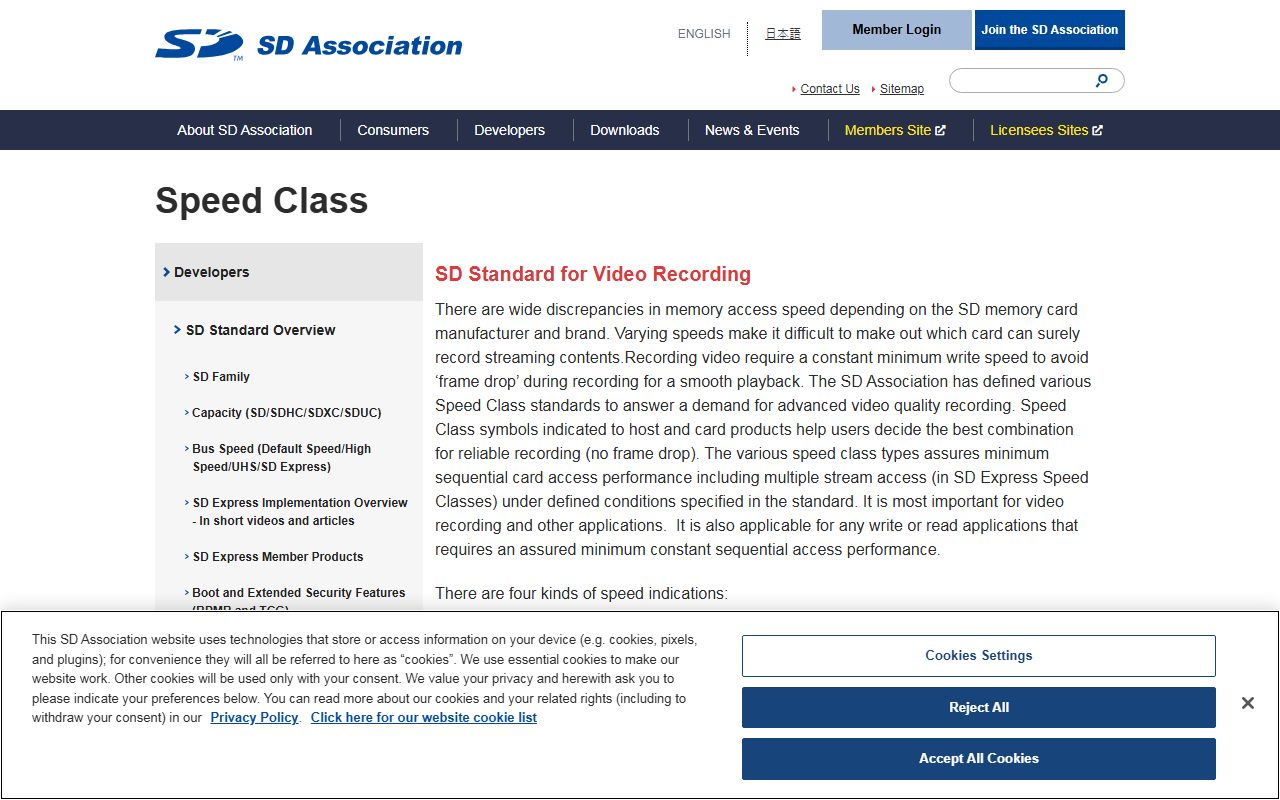
The SD Association created the classes because raw speed claims were not usable. Its Speed Class page states that "there are wide discrepancies in memory access speed depending on the SD memory card manufacturer and brand".
The fix was a floor rather than a ceiling. The same page states that the four kinds of symbol "with a number indicate minimum writing speed", and that video recording "require a constant minimum write speed to avoid frame drop during recording".
SanDisk repeats the definition in its own footnotes. Its disclosures describe "Video Speed Class 30 (V30), sustained video capture rate of 30MB/s", checked October 15, 2026.
So V30 means the card should never drop below 30 megabytes a second while writing. It says nothing about how fast the card can go on a good day, and nothing at all about reading.
There are four class families, not one ladder
The SD Association lists them separately, each tied to a bus generation. Speed Class covers "Class 2, 4, 6 and 10"; UHS Speed Class covers "UHS Speed Class 1 (U1) and UHS Speed Class 3 (U3)".
Video Speed Class covers "V6, 10,30,60 and 90" and SD Express Speed Class covers "E150, E300, E450 and E600", per the same page. A V30 and a U3 both mean a 30 megabyte floor, which is why cards often print both.
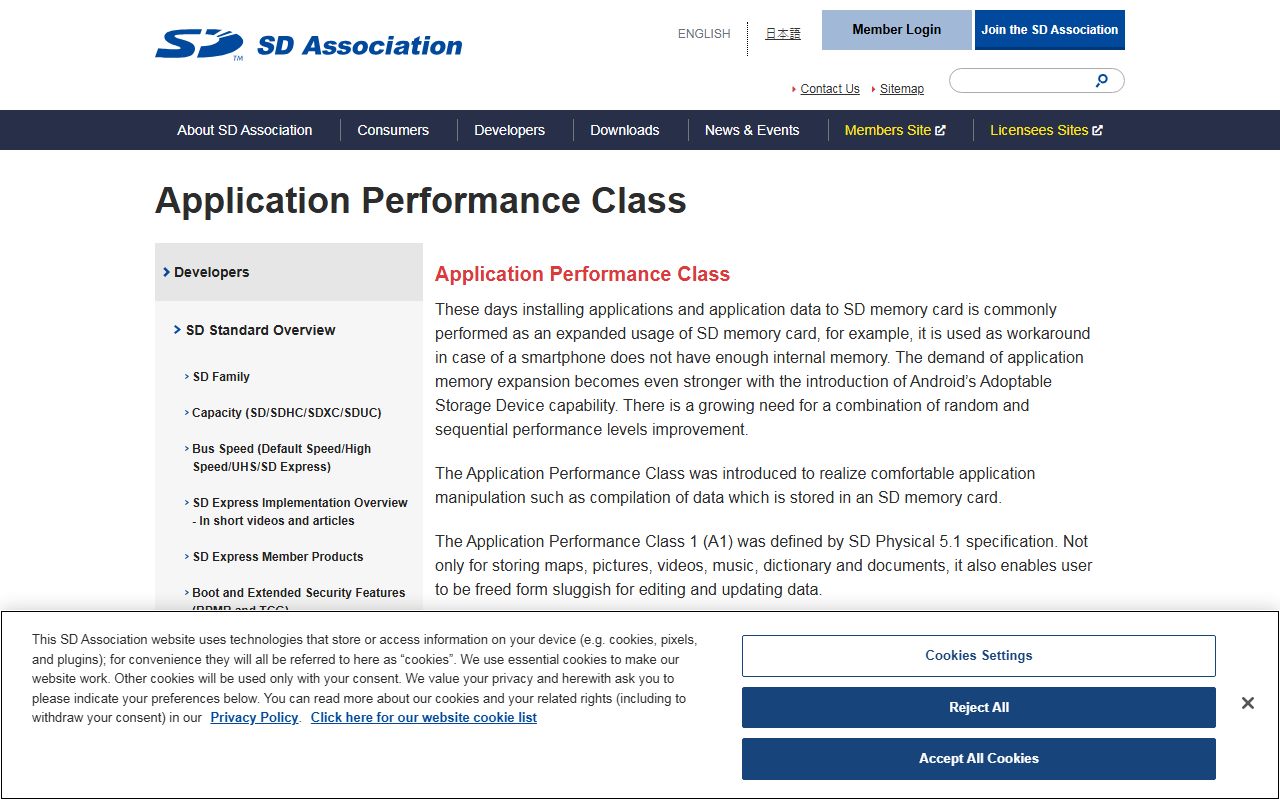
Application Performance Class is a fifth label measuring something else entirely. The Application Performance Class page states that A1 "was defined by SD Physical 5.1 specification" and A2 "is defined by SD Physical 6.0 specification".
A2 is graded in random operations rather than streams. The page describes minimum IOPS, where "IOPS in this case means that the number of 4KB read/write commands can be executed per second", which is the figure that decides whether apps feel sluggish.
A complete card specification states all of this:
- Capacity, because several other rows change with it
- Speed Class, UHS Speed Class or Video Speed Class symbol, which is the write floor
- Application Performance Class, A1 or A2, for random operations
- Bus interface, such as UHS-I or UHS-II, which caps everything above
- Maximum read and maximum write in MB/s, stated separately
- Whether those maxima came from internal testing or a published standard
- Warranty term, and the regions where a different term applies
The headline megabytes are a read maximum from internal testing
SanDisk is specific about where its big number comes from. Its disclosures state "up to 200MB/s read speeds" for 256GB to 1TB capacities and attach the qualifier "based on internal testing; performance may be lower depending upon host device interface, usage conditions and other factors".
That is a legitimate claim with a legitimate caveat, and it is not a class rating. No standards body certified it, and nothing in the figure promises a floor.
The same footnote carries something stranger. It describes reaching "speeds beyond UHS-I 104MB/s" through "proprietary technology" that "require compatible devices capable of reaching such speeds".
Check that against the standard and the reason is clear. The SD Association's Bus Speed page caps UHS-I at "104MB/s (SDR104)", so a 200MB/s UHS-I card is running outside the published bus speed by design.
Two numbers for one capability, measured by different authorities, is the normal state of a spec sheet. The clearest version of the pattern on this site is SACC versus ASHRAE BTU on a portable AC spec sheet.
A class only pays out if the device supports the bus
The SD Association ties each class to a mode. Its Speed Class page states that "C10 is used in High Speed mode or faster, U1 and U3 are used in SDR50/DDR50 or faster, V60 and V90 are used in UHS-II mode or faster".
That makes V60 and V90 pointless in a UHS-I camera. The card will work, but the bus cannot sustain the floor the symbol promises.
The application class has the same dependency. The SD Association states that "A2 performance is available only the combination of A2 supported host and A2 supported card", with A1 performance as the fallback.
Its matching rule for buyers is simple: "choose the same or higher class symbol card than class symbol of the host indicated". Paying for a higher class than the device requests buys nothing today.
One product name, several specifications
SanDisk's capacity footnotes are the most useful thing on its page. Write speed is listed as "up to 140MB/s" for 256GB to 1TB, "up to 90MB/s" for 64GB to 128GB and "up to 90MB/s" for 32GB.
The application class moves too. The disclosure reads "For 64GB-1TB ONLY: A2 performance is 4000 read IOPS, 2000 write IOPS. For 32GB: A1 performance is 1500 read IOPS, 500 write IOPS".
So the 32GB card in the same family is an A1 card with roughly a third of the read IOPS and a quarter of the write IOPS, by editorial arithmetic from those two figures. The product name is identical.
Capacity arithmetic uses decimal units here. SanDisk states "1GB=1,000,000,000 bytes" and "1MB=1,000,000 bytes", so a 128GB card recording at the V30 floor of 30MB/s would fill in about 71 minutes by editorial arithmetic.
Warranty is split by region rather than by capacity. The page lists a "Lifetime Limited Warranty" alongside a "30-year warranty in Germany, Canada and regions not recognizing lifetime warranty".
Clauses like that are the reason warranty wording deserves reading twice, as in how to read a standing desk spec sheet.
Bottom line
Match the class symbol to what the device asks for, then ignore the headline megabytes unless the host can actually use them. The floor is the number that protects a recording; the ceiling only shortens a file transfer.
For phones and handhelds, A2 matters more than V90. For cameras, the Video Speed Class matters more than peak read, and the bus generation decides which classes are even reachable.
Read the capacity footnotes last and treat them as the real specification. The habit of reading measurement conditions before the number runs through how to read printer page yield and monitor specs that change what you actually see.
It applies just as directly to the measurement conditions in how to read a wireless headphone spec sheet.
Where a page gives a number with no issuing body attached, treat it as marketing until proven otherwise. That is also the test applied to the airflow claims in how to read an air purifier spec sheet.
Frequently asked questions
What is the difference between U3 and V30?
Almost nothing in practice. Both indicate a 30 megabyte per second minimum sustained write, per the SD Association, which is why cards commonly print both symbols. U3 belongs to the UHS Speed Class family and V30 to the Video Speed Class family.
Is a 200MB/s microSD card really faster than a V30 card?
At reading, often yes. SanDisk's 200MB/s figure is a read maximum from internal testing, and its own footnote says performance "may be lower depending upon host device interface". V30 is a guaranteed write floor, which is a different promise.
Does A2 make a phone faster?
Only with an A2 host. The SD Association states A2 performance needs an A2 card and an A2 host together, and defines the grade in 4KB IOPS. SanDisk lists 4000 read and 2000 write IOPS for its A2 capacities, against 1500 and 500 for its A1 32GB card.
Can I use a V90 card in any camera?
It will fit and work, but the floor will not be met. The SD Association states that V60 and V90 "are used in UHS-II mode or faster", so a UHS-I camera cannot sustain what the symbol promises.
How long does a 128GB card record at V30?
About 71 minutes if the recorder uses the full floor, by editorial arithmetic using SanDisk's own definition that 1GB equals 1,000,000,000 bytes. Most recording modes write well below 30MB/s, so real durations are longer.
Why do two cards with the same name have different speeds?
Capacity changes the specification. SanDisk lists up to 140MB/s write for 256GB to 1TB and up to 90MB/s for 64GB to 128GB, and its 32GB card is A1 rather than A2, all under one product name.
Sources
- SD Association, Speed Class standards for video recording (checked Oct 15, 2026)
- SD Association, Application Performance Class (A1 and A2) (checked Oct 15, 2026)
- SD Association, Bus Speed table for Default, High Speed, UHS and SD Express (checked Oct 15, 2026)
- SanDisk Extreme PRO microSDXC UHS-I card product page and disclosures (checked Oct 15, 2026)